
API Latency Checker
Check your API endpoint speed with our free latency checker. Enter a URL and get response times in milliseconds. Simple, fast, and reliable!
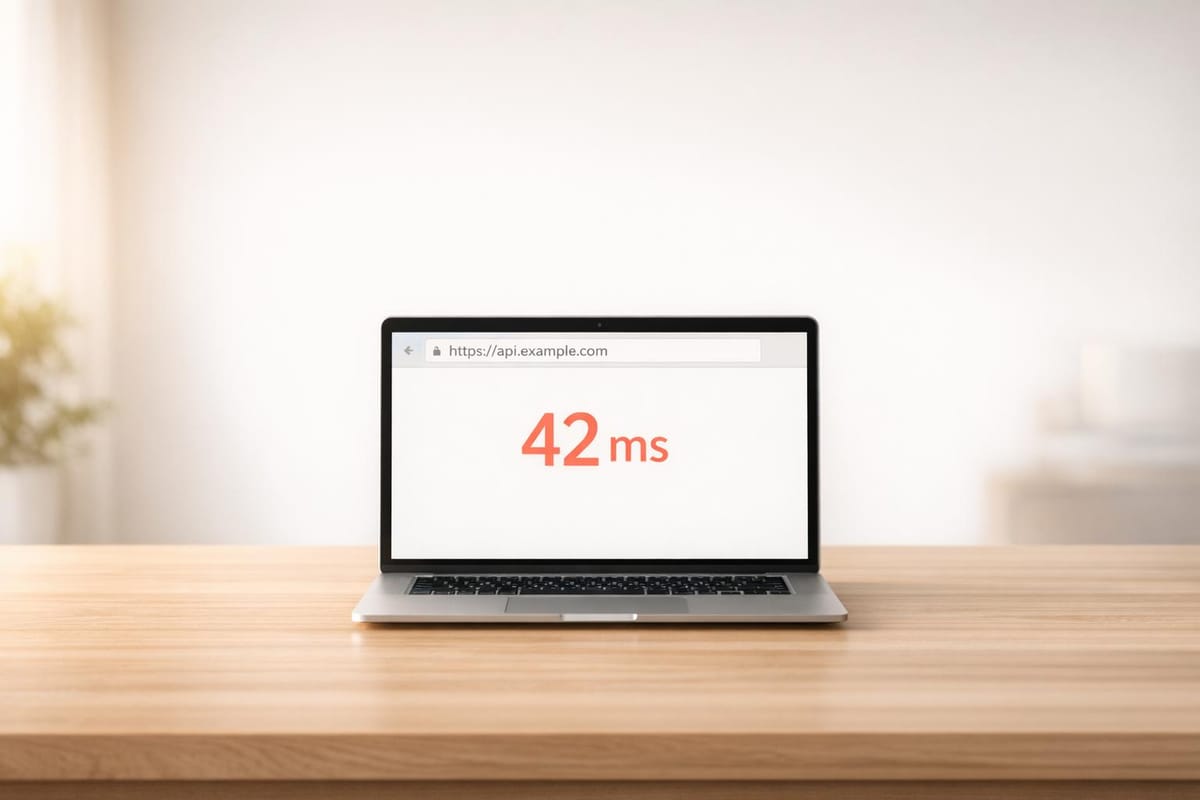
Optimize Your Workflow with an API Latency Checker
In today’s fast-paced digital world, the performance of your integrations can make or break user experience. Whether you’re a developer building apps or a business relying on third-party services, knowing how quickly an API responds is crucial. That’s where a tool to test endpoint speed comes in handy. It’s a simple yet powerful way to ensure everything runs smoothly behind the scenes.
Why Response Time Matters
A slow API can frustrate users, delay critical processes, or even cost you revenue. Imagine an e-commerce app waiting too long for payment gateway data—customers might just abandon their carts. By regularly checking response times, you can catch bottlenecks early and troubleshoot before they escalate. Plus, it’s not just about speed; consistent monitoring helps you benchmark performance and set realistic expectations for your team or clients.
A Tool for Everyone
You don’t need to be a tech wizard to measure API efficiency. With a straightforward interface, anyone can input a URL and get instant feedback. Use this to compare providers, validate new integrations, or simply keep tabs on mission-critical services. It’s a small step that can save hours of headaches down the line.
FAQs
What does this API Latency Checker actually measure?
Great question! This tool measures the time it takes for an API endpoint to respond to a request, displayed in milliseconds. It’s essentially a round-trip timer—starting when the request is sent and stopping when a response is received. Keep in mind, this is a basic check and doesn’t dive into deeper metrics like server processing time or network congestion, but it’s perfect for a quick health check of your API.
What happens if my API URL doesn’t work?
No worries, we’ve got you covered. If the URL is invalid, unreachable, or times out, the tool will display a message like 'Error: Unable to connect to the API.' This could happen due to a typo in the URL, the endpoint being down, or network issues. Double-check the URL format—it should start with http:// or https://—and try again. If it still fails, the issue might be on the API’s end.
Is there a limit to how many times I can test an API?
Nope, there’s no limit! You can test as many API endpoints as you’d like, as often as you need. Just remember, each check is triggered manually by clicking the button, so you won’t accidentally flood the server with requests. It’s designed to be lightweight and user-friendly, so feel free to experiment with different URLs or monitor performance over time.