
Captcha Success Rate Calculator
Calculate your captcha success rate instantly! Enter attempts and solves to see your percentage and improve your strategy with our free tool.
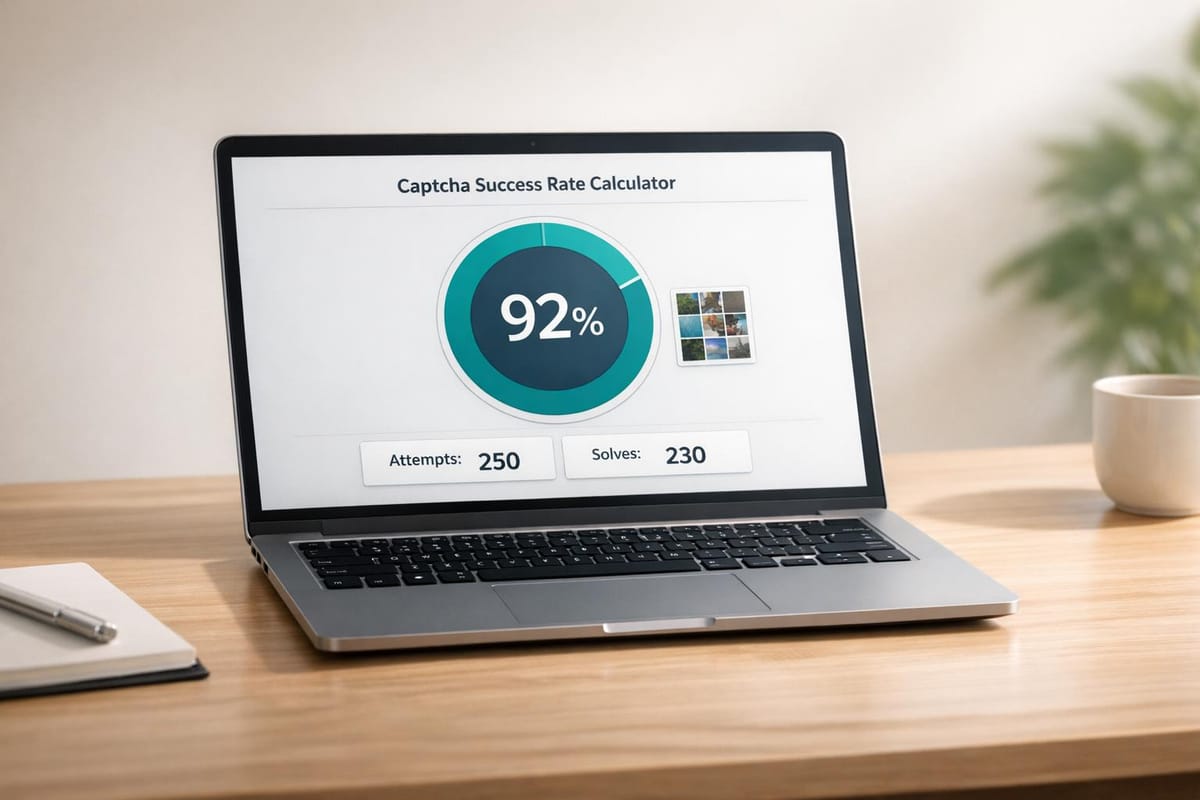
Unlock Your Captcha Performance with Our Success Rate Tool
Ever wondered how effective you or your system is at cracking those pesky online challenges? Tracking your captcha-solving accuracy can reveal a lot about your strategy, whether you're a developer testing automation or just navigating websites daily. Our free calculator makes it effortless to measure your results with a quick percentage output.
Why Track Your Captcha Accuracy?
Understanding your success percentage helps pinpoint strengths and weaknesses. Maybe your bot needs tweaking, or you're curious about your own solving skills. Either way, having a clear metric—like the one our tool provides—lets you make informed adjustments. It’s not just about numbers; it’s about getting better over time.
A Simple Way to Improve
No complex setup here. Just input your total tries and successful outcomes, and boom—you’ve got a snapshot of your performance. Use this insight to refine your approach, test different methods, or even compare results across tools. With online security barriers becoming trickier, staying on top of your game is more important than ever. Try our calculator today and see where you stand!
FAQs
How is the captcha success rate calculated?
It’s pretty simple! We take the number of successful solves, divide it by the total attempts, and multiply by 100 to get a percentage. For example, if you solved 80 out of 100 captchas, your success rate is 80%. We round it to two decimal places for clarity, so you always get a precise number to work with.
What if I enter invalid data, like more solves than attempts?
No worries—we’ve got checks in place. If you enter something funky, like more successful solves than total attempts, or negative numbers, the tool won’t crunch bad data. Instead, it’ll prompt you with a message to double-check your inputs and make sure everything’s logical before showing a result.
Why does the tool show a message for zero attempts?
If you enter zero for total attempts, there’s nothing to calculate since we can’t divide by zero. We’ll nudge you with a friendly note to enter valid data. It’s just our way of keeping things accurate and making sure you get meaningful results every time you use the tool.